How MeetMemo works.
Four layers, one Mac. Each step happens on-device. We'll explain each one in plain language.
Capture β Index β Serve β Ask. Everything inside the dashed boundary lives on your Mac.
1. Capture
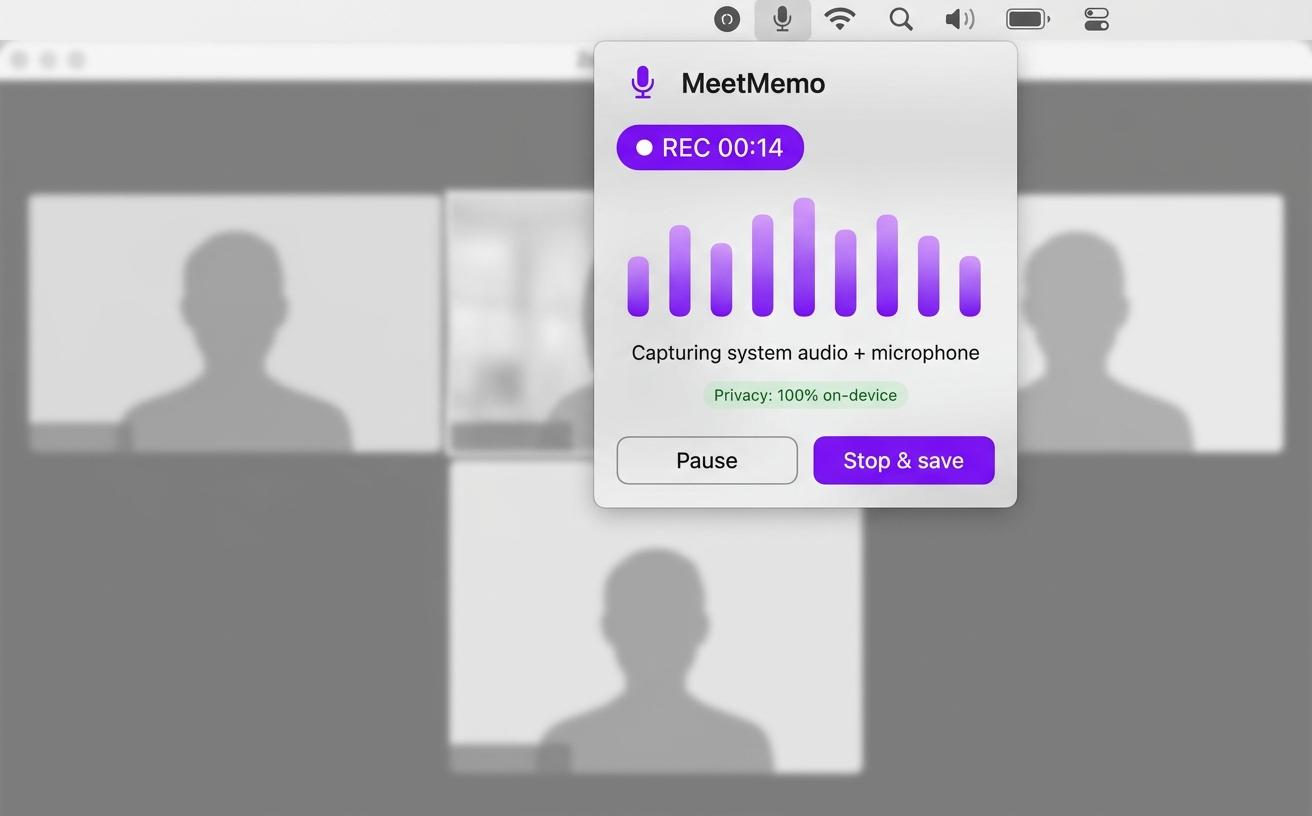
MeetMemo uses macOS ScreenCaptureKit to record system audio (anyone speaking through your Mac) and your microphone in parallel. Recording starts from a menu-bar click; you'll see a small badge confirming both streams are active. Audio files land in a folder you control β never in our cloud, because we don't have one.
What runs:
- ScreenCaptureKit β Apple's framework for capturing audio and video from running apps.
- WhisperKit β On-device speech-to-text, optimised for Apple Silicon. Dutch, French, English supported with strong accuracy.
2. Index
After transcription, MeetMemo chunks the transcript by speaker turn and writes the chunks into a local SQLite database with FTS5 (lexical) and on-device embeddings (semantic). Indexing is incremental β new meetings join your library in under a minute. Existing recordings are back-indexed automatically the first time you launch v3.0.
What runs:
- SQLite + FTS5 β The lexical index. Same database engine your iPhone uses.
- Apple NLEmbedding β On-device semantic embeddings, included in macOS. Optional opt-in to a richer MiniLM model if you need it.
3. Serve
MeetMemo's built-in MCP server exposes five focused tools (search, transcript, related, action items, context-by-date) over a local Unix socket. The server never binds to the network β there's no port to expose, no authentication theatre. Other MCP clients on the same Mac connect by reading the socket path.
What runs:
- MCP server β Model Context Protocol implementation, JSON-RPC 2.0 over stdio or local socket.
- Audit log β Every tool call recorded with timestamp, actor, tool, and result count. View or export from Settings β Privacy.
4. Ask
You query your memory three ways: a Spotlight-style hotkey (β₯β§M) anywhere in macOS, the Ask tab inside MeetMemo (snippet results plus optional answer synthesis with your own Claude or OpenAI key), or directly from Claude Desktop or Cursor β they pull the context they need through MCP.
What runs:
- Hybrid retrieval β BM25 + vector cosine, fused with Reciprocal Rank Fusion plus a gentle recency boost.
- On-device answer synthesis β Uses the same MLX model loaded for summarisation; no key required, no cloud call.
What never leaves your Mac
- Audio recordings.
- WhisperKit transcripts.
- Index, embeddings, audit log.
- MCP server (local Unix socket only).
- Summarisation and theme classification (MLX-powered Phi-4 Mini, Phi-3.5 Mini, or Llama 3.1 8B running on your Mac).
- Your settings, your folder paths, your meeting titles.
There is no cloud component to MeetMemo's pipeline. The only outbound traffic is the existing licence/Sparkle update check, anonymous PostHog product analytics that never includes content, and any MCP traffic you explicitly enable to a local AI client like Claude Desktop or Cursor.
Ready to see it?
Four layers, one Mac. Each step happens on-device. We'll explain each one in plain language.